Palette direction
Use the Light Spring direction to think about warmth, contrast, softness, and everyday neutrals.
Light Spring palette
Last updated: July 13, 2026
Light Spring usually points toward light warm colors, ivory, peach, warm pink, light aqua, and soft gold. colorfit.me helps you compare that direction against your own portrait and selected colors.
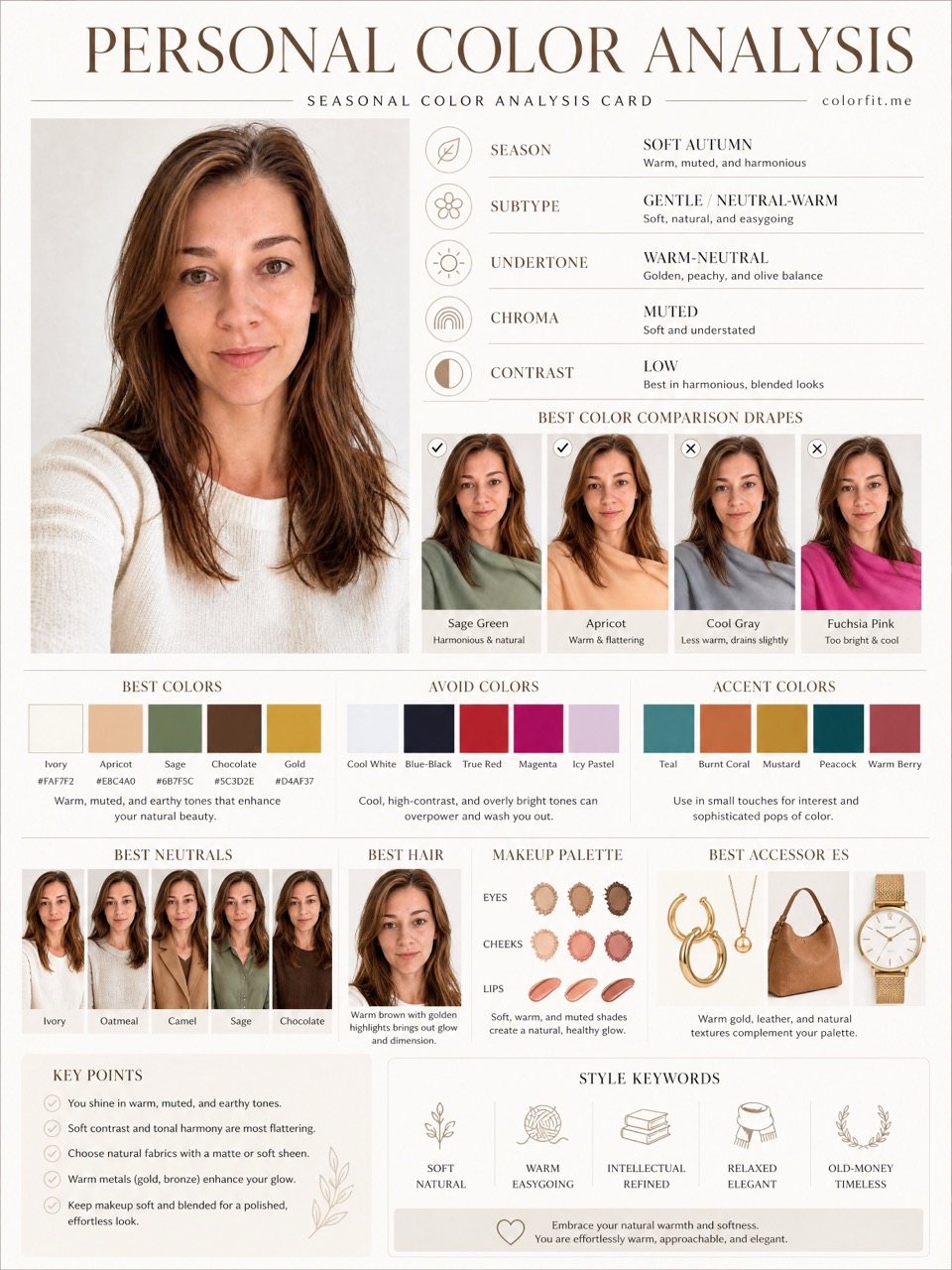
Short answer
Light Spring usually points toward light warm colors, ivory, peach, warm pink, light aqua, and soft gold. colorfit.me helps you compare that direction against your own portrait and selected colors.
Curated palette
This is not a diagnosis; it is a six-color starter palette for this page topic. Save it to the studio, then upload your own portrait to test it.
Use the Light Spring direction to think about warmth, contrast, softness, and everyday neutrals.
The same palette can look different in clothes, hair, makeup, glasses, and jewelry, so the report separates those decisions.
Save the report before shopping and compare product photos against the visual board.
Test your colors now
Upload a front-facing portrait and choose six colors first. The free result gives undertone, contrast, and a starter palette; if the direction is useful, unlock the full report with the same photo and palette.
Method
The report uses the uploaded portrait, six selected test colors, delivery language, and package type. It does not stop at a seasonal label; it turns the direction into visual boards for clothes, hair color, makeup, glasses, and accessories.
| Step | User input | Output |
|---|---|---|
| Free preview | Photo + six colors | Undertone, contrast, and limited direction |
| Mini report | Paid order + same portrait | Two core visual boards |
| Full report | Paid order + photo + selected colors | Eight boards across image, color, and styling decisions |
Questions
The AI report gives a useful direction, not a certified diagnosis.
Yes. Select six colors you are curious about before checkout.
Yes, the full report includes eight downloadable boards.
Ready when you are