Why draping works as a first pass
A quick drape preview helps you notice obvious mismatches before you spend money on clothes, hair color, glasses, jewelry, or makeup.
Free color draping
Last updated: July 13, 2026
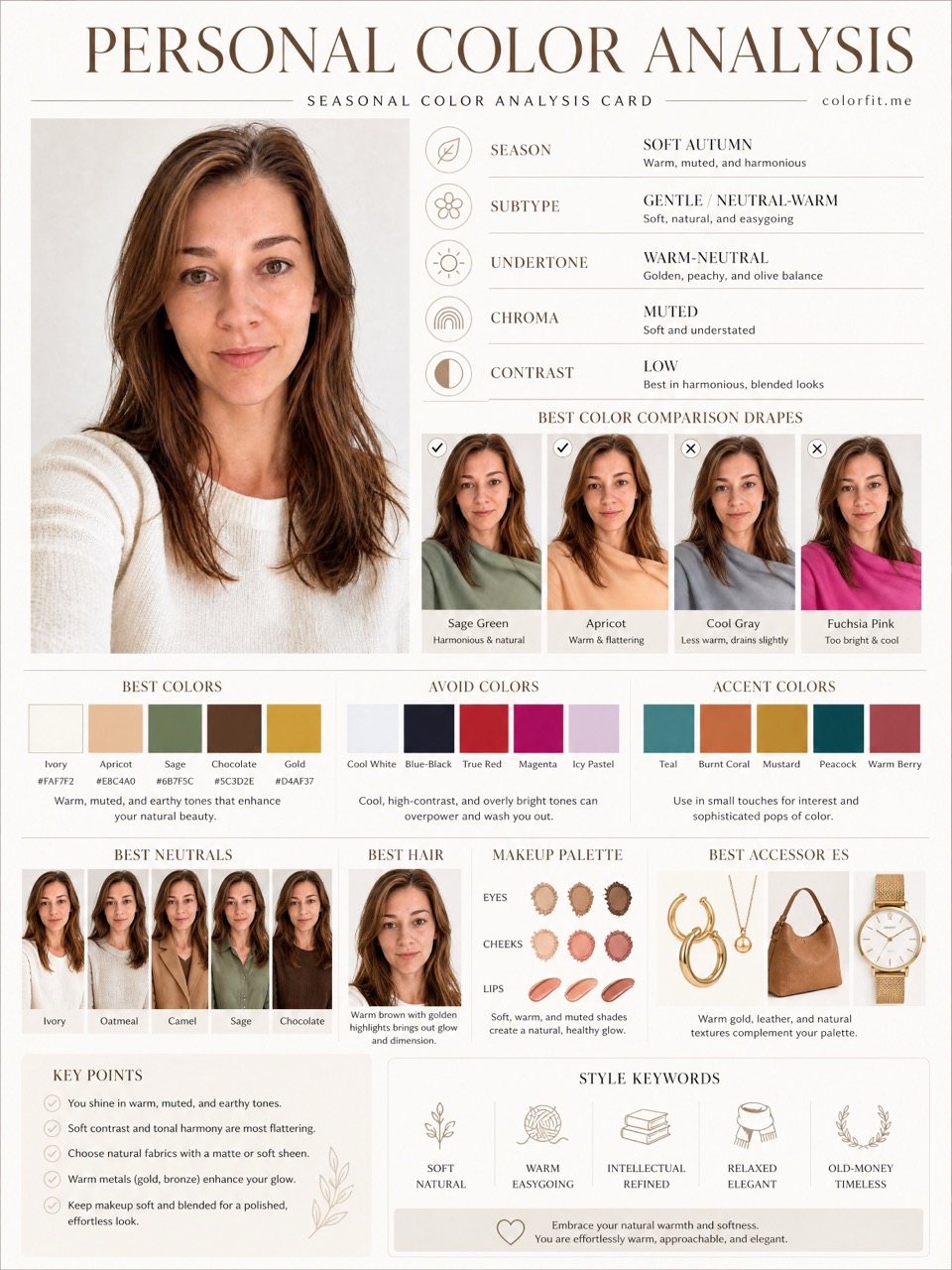
Color draping places fabric-like colors near your face so you can see which directions feel clearer, softer, warmer, cooler, or too heavy before committing to a purchase.
Short answer
Color draping places fabric-like colors near your face so you can see which directions feel clearer, softer, warmer, cooler, or too heavy before committing to a purchase.
Free tool
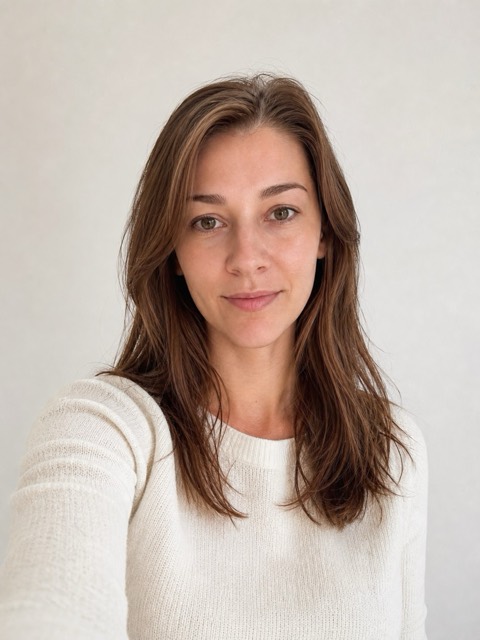
No upload is required to start. Use the sample portrait, or optionally preview your own portrait locally while switching clothing, hair, and accessory colors. This tool does not trigger a Cloudflare human check or create an order.
Choose up to 6 colors
If this direction feels close, carry the palette into the report studio.
Turn this into a reportA quick drape preview helps you notice obvious mismatches before you spend money on clothes, hair color, glasses, jewelry, or makeup.
Use the free tool to narrow a six-color test palette, then turn that palette into a private 8-board visual report when you want a more complete result.
Online draping depends on your photo and screen. Treat it as a shopping screen, not a certified in-person fabric consultation.
Test your colors now
Upload a front-facing portrait and choose six colors first. The free result gives undertone, contrast, and a starter palette; if the direction is useful, unlock the full report with the same photo and palette.
Method
The report uses the uploaded portrait, six selected test colors, delivery language, and package type. It does not stop at a seasonal label; it turns the direction into visual boards for clothes, hair color, makeup, glasses, and accessories.
| Step | User input | Output |
|---|---|---|
| Free preview | Photo + six colors | Undertone, contrast, and limited direction |
| Mini report | Paid order + same portrait | Two core visual boards |
| Full report | Paid order + photo + selected colors | Eight boards across image, color, and styling decisions |
Questions
The page preview runs locally in the browser. A paid report is only created if you continue to checkout.
Yes. Upload a clear front-facing portrait and switch colors near your face.
Use the six-color direction in the studio or free mini analysis, then upgrade if you want generated visual boards.
Ready when you are