Use real inspiration
Upload a cart screenshot, outfit photo, salon inspiration, lipstick board, or wardrobe picture instead of guessing colors from memory.
Picture to palette
Last updated: July 13, 2026
When you save a dress, hair color, makeup look, or wardrobe photo, picture-to-palette extraction turns the image into a practical six-color starting point for color analysis.
Short answer
When you save a dress, hair color, makeup look, or wardrobe photo, picture-to-palette extraction turns the image into a practical six-color starting point for color analysis.
Free tool
You can use the starter palette without uploading anything. If you upload an outfit, makeup, cart screenshot, or inspiration image, extraction happens locally in the browser.
Extracted palette
Upload an image, or start with this sample palette.Upload a cart screenshot, outfit photo, salon inspiration, lipstick board, or wardrobe picture instead of guessing colors from memory.
The extracted palette becomes a cleaner starting point for free mini analysis, color draping, or a paid report based on your portrait.
Use it before buying a dress, building a capsule wardrobe, testing a hair-color moodboard, or choosing jewelry and makeup accents.
Test your colors now
Upload a front-facing portrait and choose six colors first. The free result gives undertone, contrast, and a starter palette; if the direction is useful, unlock the full report with the same photo and palette.
Method
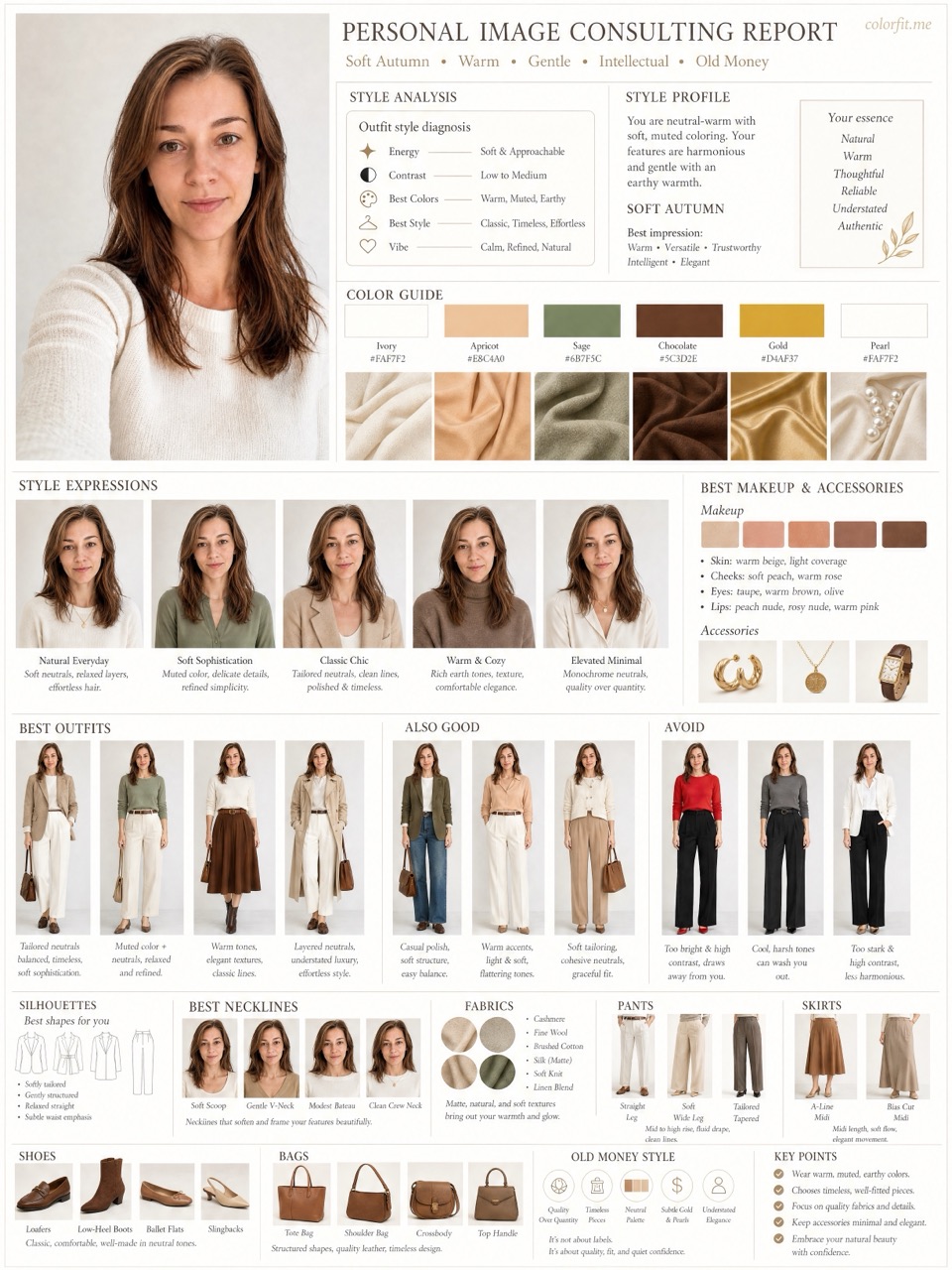
The report uses the uploaded portrait, six selected test colors, delivery language, and package type. It does not stop at a seasonal label; it turns the direction into visual boards for clothes, hair color, makeup, glasses, and accessories.
| Step | User input | Output |
|---|---|---|
| Free preview | Photo + six colors | Undertone, contrast, and limited direction |
| Mini report | Paid order + same portrait | Two core visual boards |
| Full report | Paid order + photo + selected colors | Eight boards across image, color, and styling decisions |
Questions
The extractor runs in the browser for the free tool. Paid report generation only starts after checkout.
It extracts a practical palette from pixels, but product photos and screens are not laboratory color references.
Yes. Use the extracted colors as a six-color starting point when creating your report.
Ready when you are